|
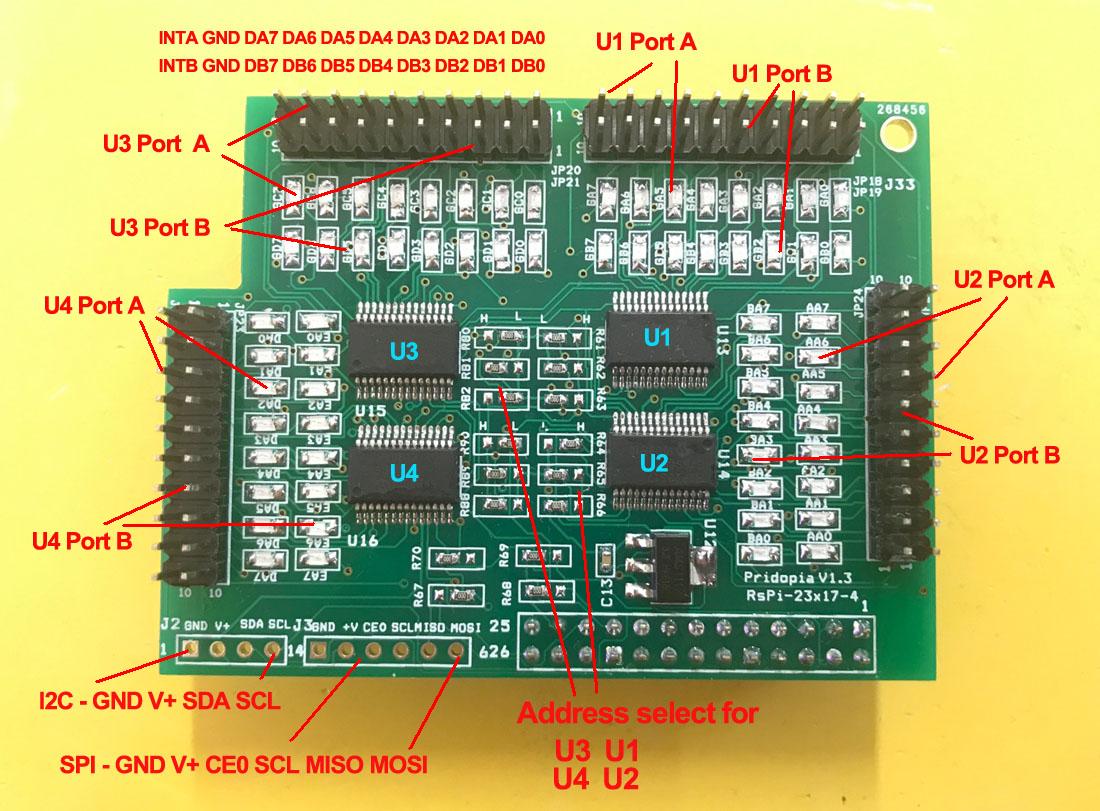
1. JP18 GA0 ~ GA7 U13 Port A JP19 GB0 ~ GB7 U13 Port B 2. JP25 AA0 ~ AA7 U14 Port A JP24 BA0 ~ BA7 U14 Port B 3. JP20 GC0 ~ GC7 U15 Port A JP21 GD0 ~ GD7 U15 Port B 4. JP22 DA0 ~ DA7 U16 Port A JP23 EA0 ~ EA7 U16 Port B 5. R61,R62,R63 ( for U13 Address select A0,A1,A2 ) 6. R64,R65,R66 ( for U14 Address select A0,A1,A2) 7. R80, R81,R82 ( for U15 Address select A0,A1,A2 ) 8. R88,R89,R90 ( for U16 Address select A0,A1,A2) 9. U13 (20) 23017 -1 Port A,B U14 (21) 23017-2 Port A,B 10. U15 (22) 23017 -3 Port A,B U16 (23) 23017-4 Port A,B
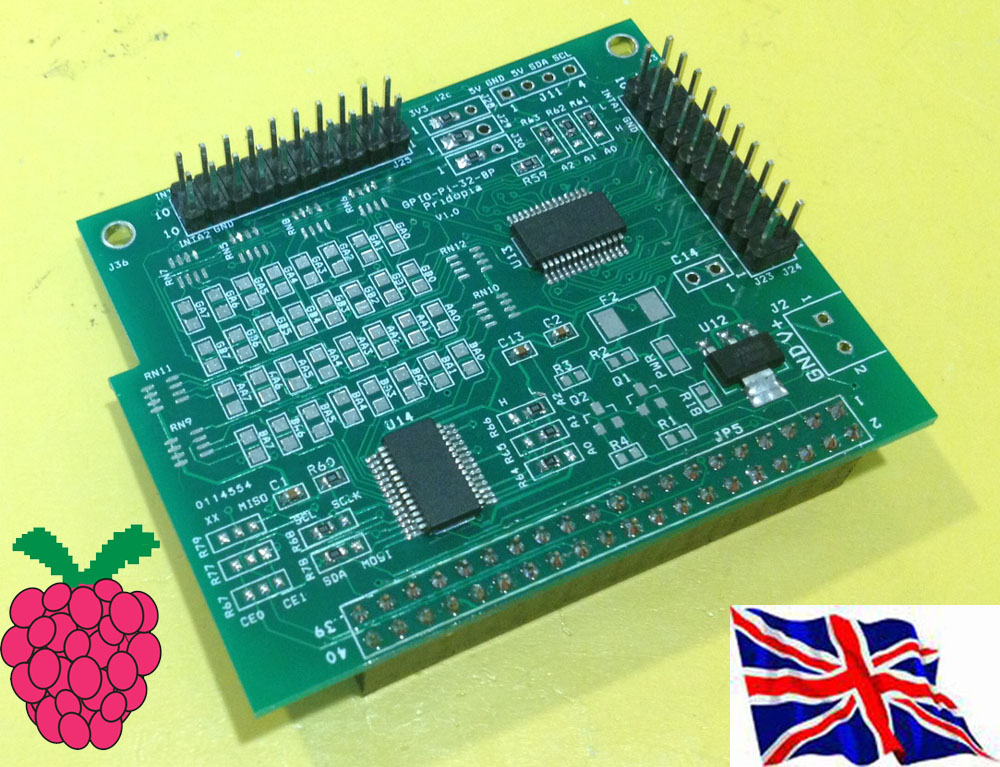
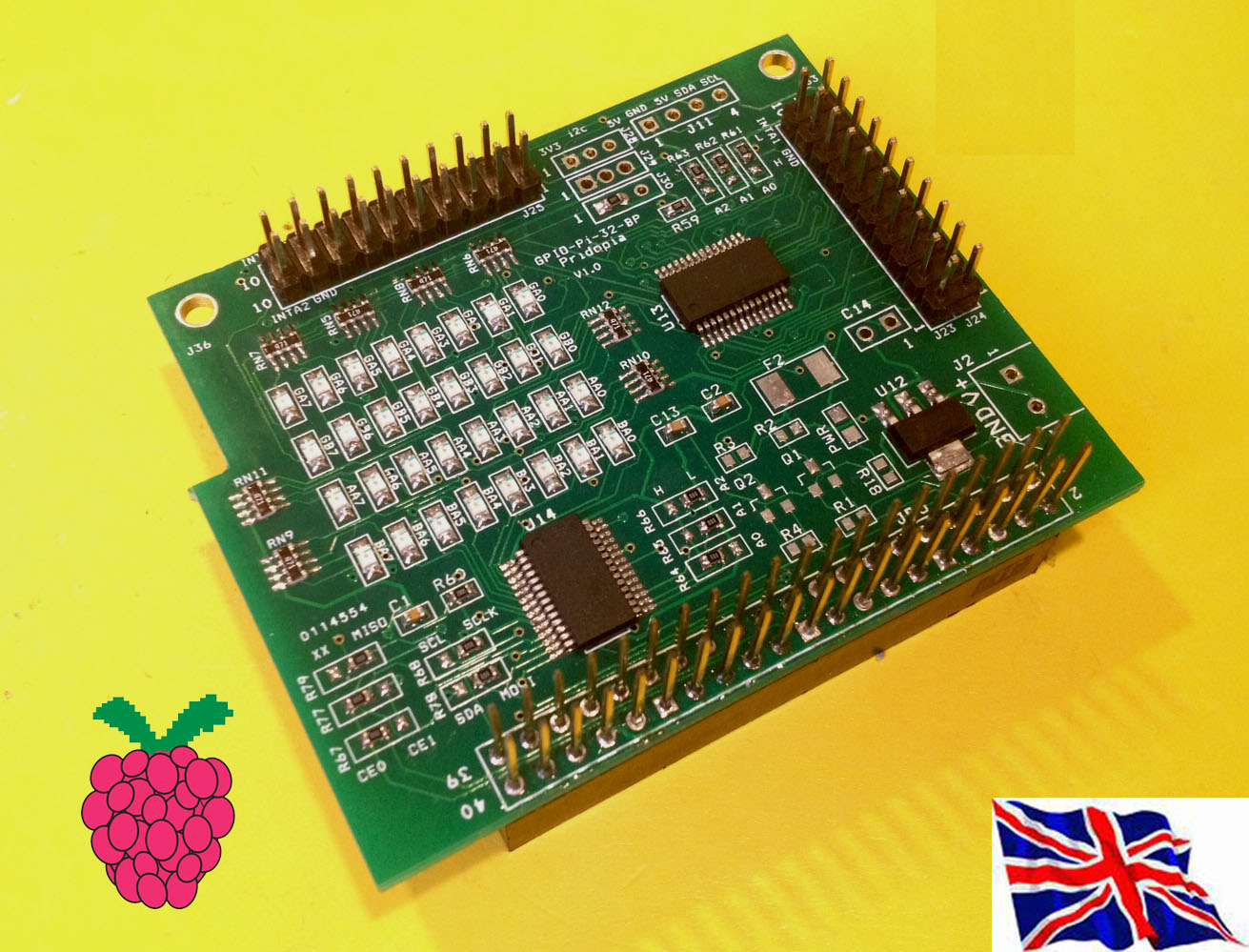
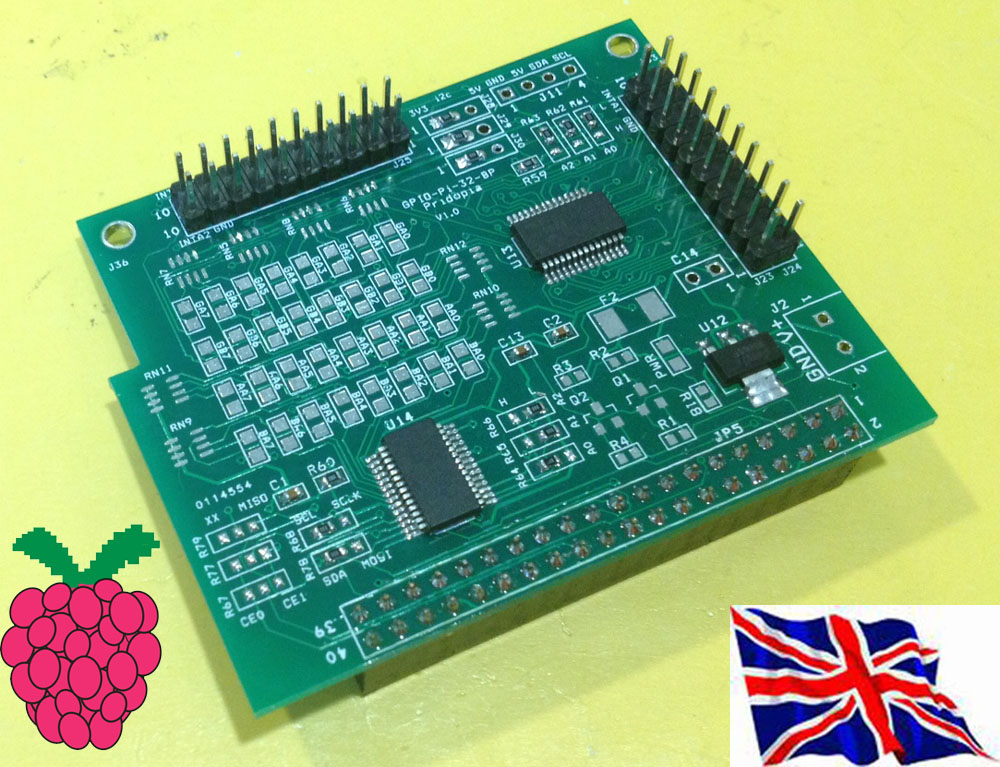
23017-4 - 64 GPIO board plug in Raspberry Pi Model B+ / B2 / B3
in i2cdetect you can found 4 device in system (20,21,22,23)
23017-4 plug in Raspberry Pi with our Rs-Pi 4Hub board 64 Blue LED "ON" new output test program 23017-4port-s-v103.py demo
|
new GUI interface output software 23017-4port-GUI.py demo Support our Pi_Scratch software
U1 to U4 i2c 23017 address 20,21,22,23
Command "i2"+ "address(20-27)" + "a" +"bit(1 to 8)"
for Port A
Command "i2"+ "address(20-27)" + "b" +"bit(1 to 8)"
for Port B
Command "bit"+ "address(20-27)" + "a" +"bit(8 to 1)"
for Port A
Command "bit"+ "address(20-27)" + "b" +"bit(8 to 1)"
for Port B
i221a1 --> i2c address 21 Port A bit 1 ON/OFF
i220b7 --> i2c address 20 Port B bit 7 ON/OFF
i222b4 --> i2c address 22 Port B bit 4 ON/OFF
bit22b01010101 --> address 22 port B from bit 8 to 1
output --> 01010101
bit20a01010101 --> address 20 port A from bit 8 to 1
output --> 01010101
bit21aoff --> address 21 Port A all OFF/clear
bit23aclr --> address 23 Port A all OFF/clear
Setting GPIO as input Command "i2"+ "address(1-8)" + "a" +"in" for Port A Command "i2"+ "address(1-8)" + "b" +"in" for Port B Address 20 --> 1 21 --> 2 22-->3 23 -->4 Address 24 --> 5 25 --> 6 26-->7 27 -->8 command "i22bin" initial address 21, Port B as input (1)"i22bin" initial address 21, Port B as input (2) broadcast "Update" (3) in Sensing --> Slider , you will see the " I2C1B-0 ~ I2C1B-7" in the list |