|
Minecraft Pi Traffic light demo - with EDU-V2-E01 board
Minecraft Pi & RFID reader change block demo - with EDU-V2-E01 board 1. EDU-Learing Kit-V2 EDU-V2-E01 Module /sensor GPIO Learning Kits ( support Raspberry Pi B2/A+/B+)2/A+/B+)2/A+/B+)
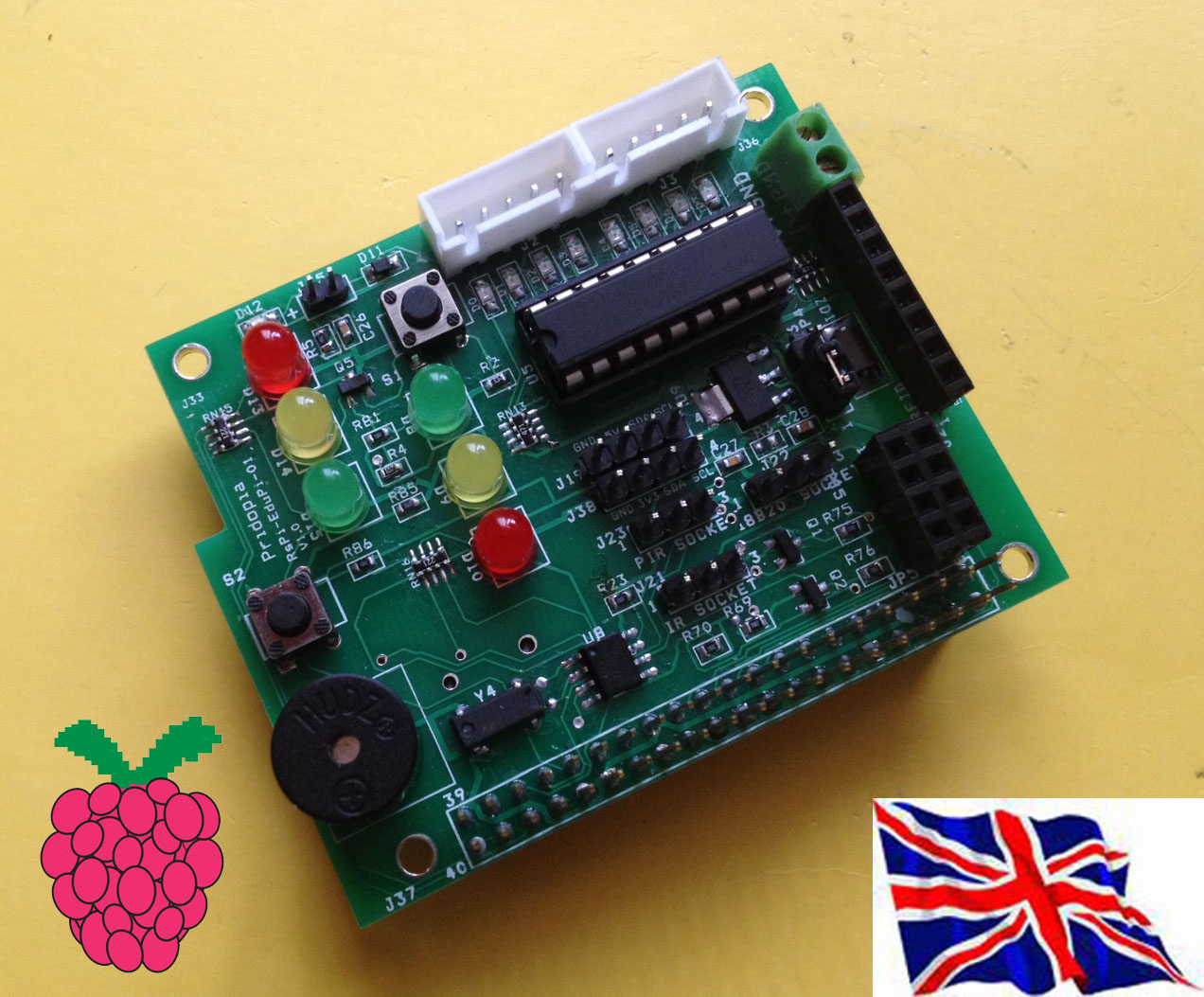
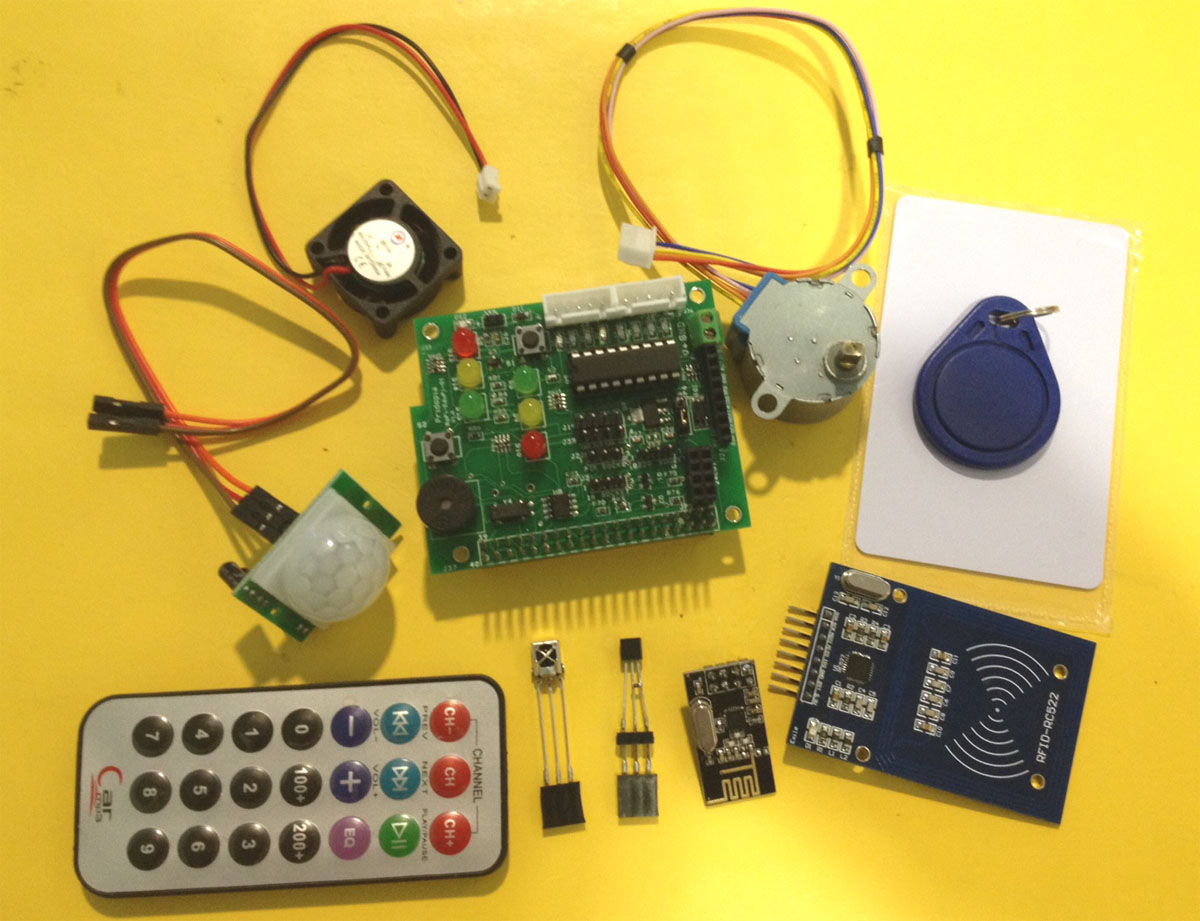
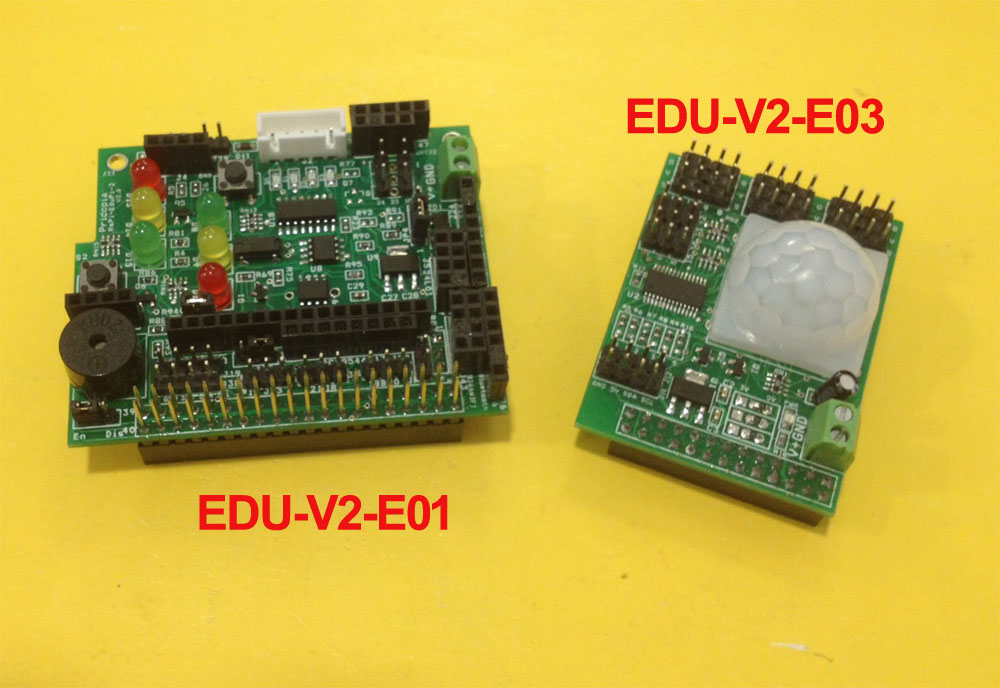
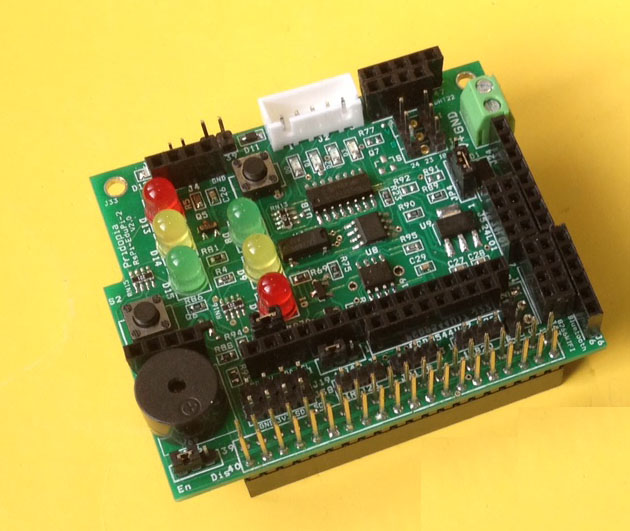
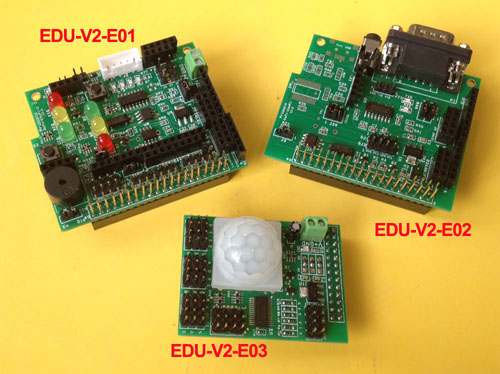
1.The EDU Learning Board provide RTC clock with CR1220 3V Backup Battery. 2. provide 2 switch control 2 sets Traffic light , provide python traffic light program. 3. provide RFID Reader socket ( SPI signal) / NRF24L01 socket (SPI signal) you can choose use RFID or NRF24L01 ( both use SPI signal) 4. Provide 2 extra i2c device input port, one for 3.3V, one for 5V 5. provide 3.3V power Regulator for 3.3V device ( RFID/ NRF24L01/ESP8266) i2c device 6. provide DS18B20 temperature sensor socket (GPIO4) 7. provide IR Receiver sensor socket (GPIO23) 8. provide IR PIR motion sensor socket (GPIO23) 9 provide 1 5V 28BYJ-48 Step Motor socket (5V can select from Pi or external) (GPIO 17,18,27,22) Step Motor 10 provide 1 buzzer (GPIO24) 11 provide 2 sets traffic light first set traffic light Red (GPIO19), Yellow(GPIO13), Green (GPIO12) ,Switch 1(GPIO20) second set traffic light Red (GPIO16), Yellow(GPIO21), Green (GPIO26) ,Switch 2(GPIO6) Below are the new functions we added in V2
Advance user -------- in AT command mode
1. Traffic light set 2. Bluetooth v4.0 0 BLE
3. RGB Light E03 module 4. Bluetooth v2.0
1. 2 x SG90 Micro Servo 2. RFID Reader
3. NRF24L01 RF Module 4. 5V 28BYJ48 Step Motor
1. Ultrasonic distance sensor
2. DHT22 Temperature & Humidity sensor 3. 84x48 Pixels Monochrome LCD
4. 16x2 character LCD
1. 20x4 character LCD with DS18B20 Temperature sensor 2. PIR motion sensor with DS18B20 Temperature sensor
|
1. Bluetooth V2.0 serial console to Andriod Tablet
2. ESP8266 Serial WiFi module
HAT EEPROM read/write demo NRF24L01 RF module demo -- provide python program send message , need two of Pi , one use Mes.py one use Recv.py AT command in CuteCom demo for ESP8266WiFi serial module & Bluetooth 2.0/4.0 BLE (for EDU-V2-E01 & EDU-V2-E02) Bluetooth v2.0 HC-05 AT command in CuteCom Bluetooth v4.0 BLE HM-10 AT command in CuteCom ESP8266 WiFi serial module AT command in CuteCom ESP8266 WiFi serial module AT command example
*Join Router
AT+RST
AT+CWMODE=3
AT+CWLAP ---- search WiFi Network
AT+CWJAP="your ssid","password" join your Router Spot
AT+CWJAP=? ---- check if connected successfully
Acting as a TCP Client AT+CIPMUX=1 Specify which connection channel you wish to connect on ( 0 - 4 ), the protocol type (TCP/UDP), the IP address (or domain if you have DNS access) and the port number using the CIPSTART command: AT+CIPSTART=4,"TCP","google.com",80 You should receive the response OK followed by Linked when the connection is open: AT+CIPSEND=4,18 This time, instead of an “OK” response your will get a > prompt: GET / HTTP/1.0 The module should respond with: SEND OK The module should provide a second response once the web server responds: +IPD,4,529: The 4 indicates it’s data from connection channel 4 and the 529 indicates there’s 529 bytes of data. You should now see the data: |